
PL⚡TT — charge up, no account needed
Find a station, scan the QR code on the charger, and pay in seconds. That's the whole process.
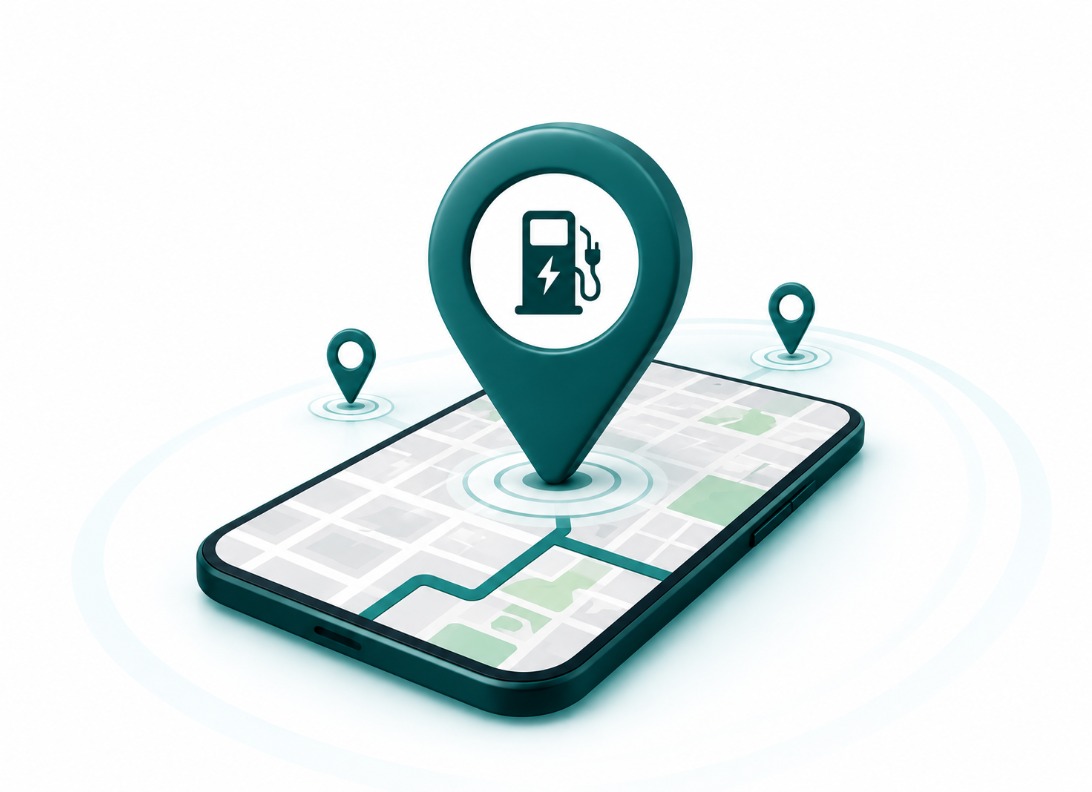
Locate the nearest PL⚡TT station
PL⚡TT stations are placed along major routes and in city centres. Use the map to see the closest available charger before you head out — live availability shows on the station itself once you arrive.
Browse all stationsCharging Stations
A growing network of fast-charging locations.
Victoria Island Station
4 chargers · CCS2
Lekki Toll Station
6 chargers · CCS2 / GB/T
Ikeja City Mall Station
3 chargers · CCS2
Airport Road Station
5 chargers · CCS2 / GB/T
Ajah Station
2 chargers · CCS2
Ikoyi Station
4 chargers · CCS2
Pricing
Simple, transparent per-session pricing. Pay only for what you use.
Rates shown are indicative and may vary by station. Final pricing is confirmed on the payment screen before you pay.
Estimate your charge
This is an estimate only — no payment happens here. You'll pay on the actual charging screen after scanning a station's QR code.
Plug in, then scan
Connect the connector to your car first — the charger only unlocks power once it's securely plugged in. Then scan the PL⚡TT QR code on the unit. It opens a private page for that exact charger, pre-filled with the station, charger number, and connector type.
No login required
Since there's no account system, each session's receipt is sent straight to you at the end of charging — by SMS or shown right on the confirmation screen. Keep your receipt for reference; no sign-in needed to view it.
Support
Common questions about using a PL⚡TT charger.
The charger won't start after I paid
Wait 30 seconds and check the connector is fully seated. If it still won't start, contact support below — your payment is protected either way.
Can I stop charging early?
Yes. Use the stop button on the charging screen at any time — you're only charged for what you use.
Do I need the TravelPlott app?
No. Everything happens in your phone's browser after scanning the QR code.
Still need help?
Reach our support team any time — see the Contact page for details.